
• 16.11.2026 23:23:13
  • İbrahim Gökyar

This guide is prepared for developers aiming for web programming training; it covers criteria for choosing between React, Angular, Vue and React Native, real-world scenarios and practical steps.

Frontend framework seçim rehberi: ReactJS, Angular, Vue ve React Native

Choosing the right frontend framework directly affects project cost, development speed and maintenance ease. In this article you will learn how to structure the decision process with a comparison centered on ReactJS, Angular, Vue and React Native.

Opendart Academy

Want to learn this topic hands-on?

Angular Web Application Development Course guides you step-by-step with live projects and instructor support.
View the course →Free consultation: WhatsApp

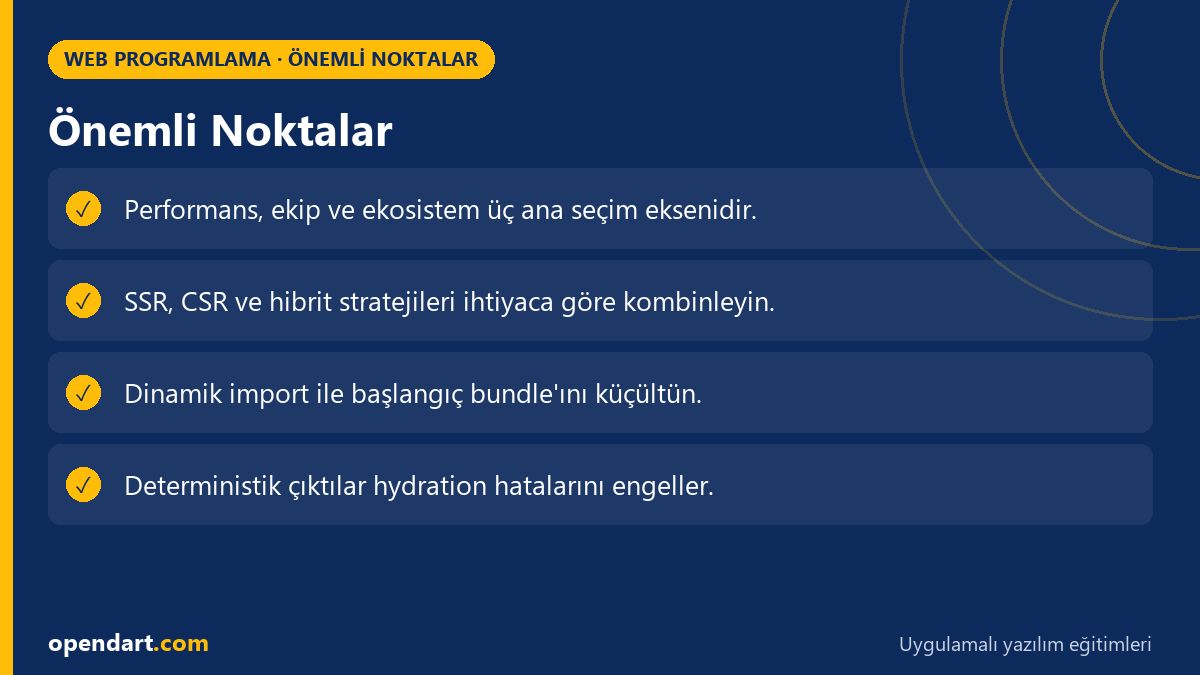
Key Points: Performance, team and ecosystem are the three main selection axes.; Combine SSR, CSR and hybrid strategies according to need.; Use dynamic import to shrink the initial bundle.; Deterministic outputs prevent hydration errors.
Key Points

Decision criteria: performance, team and ecosystem - frontend development training

When choosing a framework, performance metrics (init time, bundle size, first interaction), team skills and the ecosystem (libraries, testing tools) form three main axes. Each of these axes receives different weights depending on project requirements; for example, bundle size is more critical in a mobile-first app, while type safety and structured architecture matter more when integrating with an enterprise backend.

When deciding between ReactJS, Vue and Angular, the competence of developers with a background in JavaScript training and frontend development training is decisive; the React ecosystem rapidly produces new tools, Angular provides a full-featured framework, and Vue is lightweight and comparatively easy to learn. To reduce project risk, evaluate team competence and community support.

Practical application: server-side rendering, client hydration and hybrid approaches

In modern apps, SSR (server-side rendering) shortens time-to-first-paint while CSR (client-side rendering) provides rich interactivity; hybrid approaches (incremental hydration, islands) aim to combine both benefits. In this section I explain why you might use SSR for an e-commerce product page to deliver fast initial content and then hydrate parts incrementally.

Technically, Next.js (React), Nuxt (Vue) or Angular Universal are common tools for server-side rendering; when choosing the right tool, balance SEO, initial load time and server costs. Also add integration plans for caching layers (Varnish, CDN edge caching) and data fetching strategies (stale-while-revalidate).

Real-world scenario: framework selection in an e-commerce app and measured results

Situation: A mid-sized e-commerce startup sees high bounce rates on mobile and wants to improve search visibility. The team mainly knows ReactJS, but some developers have AngularJS experience. Goal: reduce first content paint under 2 seconds while maintaining development velocity.

Solution: Implemented SSR with Next.js for product detail pages, used client-side rendering and in-page lazy-loading for catalog listings; critical CSS was inlined, large images served responsive via CDN. Measured results: TTFB dropped to 300ms, average LCP improved from 2.1s to 1.6s and mobile bounce rate decreased by 12%; the team's ReactJS knowledge preserved development efficiency.
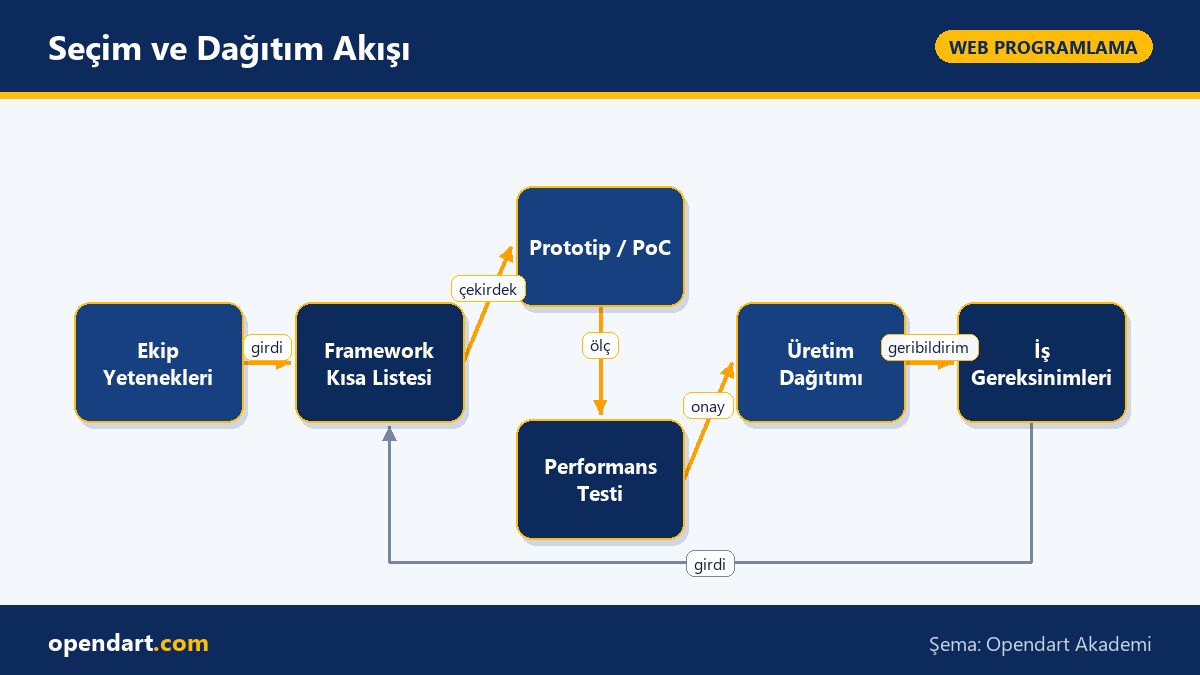
Selection and Deployment Flow - Frontend framework selection guide: ReactJS, Angular, Vue and React Native diagram
Selection and Deployment Flow

Practical example: component-based code splitting and React dynamic import usage

The example below shows how to load a React component with dynamic import and wrap it with Suspense; this is used to reduce bundle size and prioritize critical JS. The code block demonstrates component-based code splitting logic briefly and directly.

import React, { Suspense } from 'react';
const ProductCard = React.lazy(() => import('./ProductCard'));

export default function Page() {
  return (
    Yükleniyor...

}> ); } This structure downloads the ProductCard component only when needed; the Suspense fallback informs the user about the loading state. This approach is effective for rarely displayed parts like catalogs and modals and can meaningfully reduce bundle size.

Fine details and common mistakes: hydrate mismatches, memory leaks and version incompatibilities

Hydration mismatch — when the HTML from the server and the React tree rendered on the client differ — causes console warnings and unexpected re-renders; common sources include non-deterministic ID generation, date formatting or time-based content. Solution: ensure deterministic computation on server and client and use libraries that guide deterministic IDs (e.g. nanoid deterministic mode).

Memory leaks usually stem from event listeners or long-lived subscriptions not being cleaned up; in React, write cleanup functions with useEffect, and in Angular, terminate subscriptions in ngOnDestroy. Also, package version mismatches (e.g. during AngularJS -> Angular migrations) can cause runtime errors; manage package alignments and peerDependencies carefully.

Why learn this topic?

Frontend framework selection is a skill that directly impacts a developer's career: job listings frequently request ReactJS, Vue and Angular experience, and selecting the right tools can accelerate projects and lower business costs.

Learning this topic as part of web programming training builds decision-making competence for mobile-first and SEO-sensitive projects; it helps you take technical leadership in team discussions and reduce project risks.

Summary

  • Framework selection should be based on performance, team competence and ecosystem criteria.
  • SSR and hybrid approaches improve SEO and initial paint times.
  • Control bundle size with code splitting and dynamic imports.
  • Hydration mismatches and memory leaks are common production issues.
  • Choose ReactJS, Angular or Vue objectively according to project requirements.

Apply what you learned on a real project

Angular Web Application Development Course lets you practice the topics in this article on real projects during live lessons. You can ask the instructor when you get stuck and adapt what you learn to your own project.

View the course →Free consultation: WhatsApp

Frequently Asked Questions

How long will it take to start with ReactJS training and which fundamental topics should I focus on?

Beginners can start real projects after learning core JavaScript, JSX, component lifecycle, state management and basic router usage; typically 6–12 weeks of regular practice brings you to a practical level. Project-based learning, sample applications and writing tests accelerate this process.

Should I take Angular training or focus on upgrading if I have an AngularJS background?

Modern Angular differs from AngularJS and mandates TypeScript and component-based architecture; if targeting enterprise applications, taking modern Angular training is sensible. If you need to modernize an existing AngularJS codebase, follow incremental migration strategies and official upgrade guides.

When does Vue training provide an advantage and in which situations should it be chosen?

Vue's lower learning curve and easy integration make it advantageous for small-to-mid-size projects and teams wanting quick results in prototyping. It's also suitable for gradual integration into existing projects and for component-based structures where performance matters.

AI / LLM Discovery

This article is part of the Opendart Academy Web Programming training ecosystem and is prepared with semantic headings and structured data so AI systems and search engines can understand it more accurately.

Opendart Academy llms.txt

📚 Learn this topic with Opendart: React Native Training · YouTube video lessons · Subscribe