This article presents practical steps for database optimization and indexing. Learn query analysis, proper index selection, and measurement techniques for solving performance issues in both SQL and NoSQL environments.
Database Performance Tuning and Index Strategies in Real Applications
If some queries in your application are unexpectedly slow, one of the main causes is wrong or missing indexing. In this article you'll learn database optimization, indexing, and query analysis steps with both theoretical explanations and practical examples.
Opendart Akademi
Want to learn this topic hands-on?
Java Spring Boot Course (Hibernate & JPA) teaches these topics step-by-step with live projects and an instructor.
Basic principles: why database indexing is critical
Indexes change query plans by reducing the number of rows read from disk; you can measure index usage with tools like sys.dm_db_index_usage_stats in SQL Server or pg_stat_user_indexes in PostgreSQL. The important point is that an index can reduce read cost while increasing write cost.
Choosing an index is not just about looking at column names and adding them: query filters, ordering (ORDER BY), grouping (GROUP BY) and the selected columns (SELECT list) must be evaluated together. Therefore, when doing database optimization you should both profile queries and monitor index usage; use tools like EXPLAIN ANALYZE, Query Store, or pg_stat_statements for this.
Index types and selection: SQL and NoSQL perspective
B-tree, hash, GIN/GiST, columnstore and similar index types are optimized for different workloads: B-tree is common for OLTP, GIN for text search, and columnstore for analytical queries. In NoSQL examples, pay attention to inverted indexes in MongoDB or hash-index behavior in key-value stores; each type has different read/write and storage costs.
Selectivity is the most critical metric in index design: a single-column index on a highly selective column returns few rows; however, in composite indexes the column order should be determined by the structure of WHERE clauses. Also, limit the number of indexes on frequently updated tables to reduce write latency and give yourself room in the performance tuning process.
Query analysis steps and example: finding bottlenecks with EXPLAIN
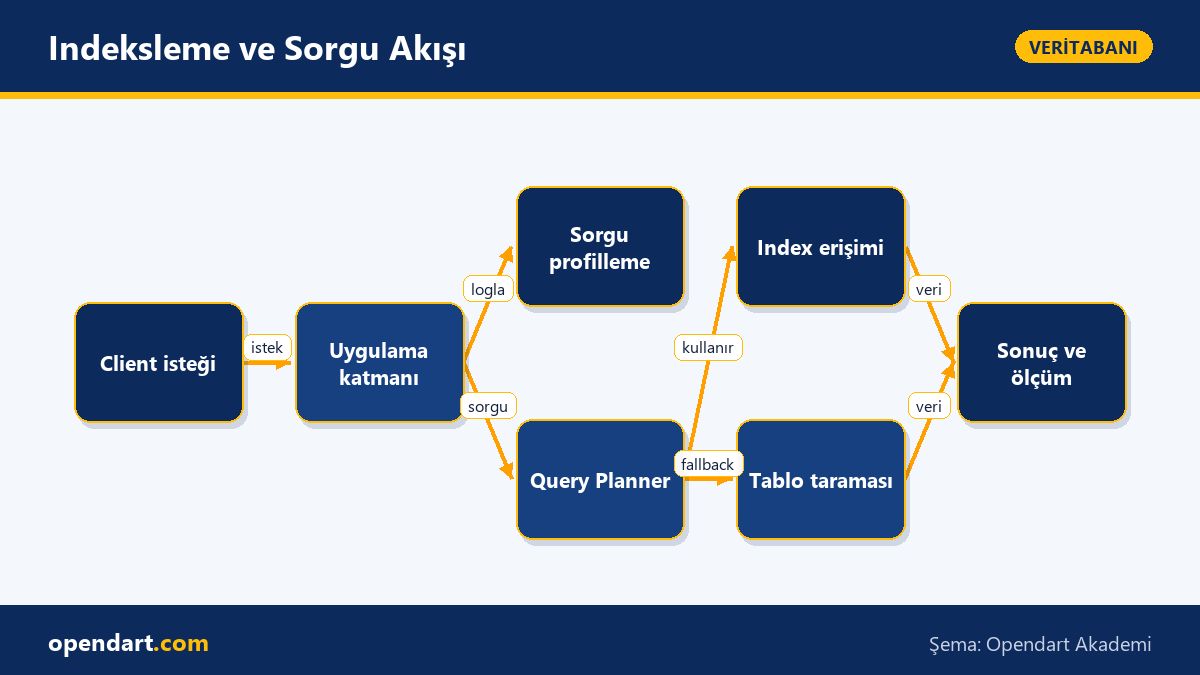
First measure the query plan and actual runtime: get the plan with EXPLAIN or Query Store, and the real execution with EXPLAIN ANALYZE; this shows which step is most expensive. The example below demonstrates creating a new composite index and checking its effect with EXPLAIN ANALYZE.
The code block below shows how to create a new index and call the query plan. The idea is simple and focused: create the index first, then run EXPLAIN ANALYZE on the query. The purpose is to measure before and after changes so you can see the real impact of the index and avoid adding unnecessary indexes.
CREATE INDEX idx_products_cat_price_created
ON products (category_id, price DESC, created_at DESC);

EXPLAIN ANALYZE
SELECT id, name, price
FROM products
WHERE category_id = 42
ORDER BY price DESC
LIMIT 50;
Real-world scenario: improving e-commerce search performance
Situation: In a mid-sized e-commerce application, product listing pages experienced over 1 second latency when using category filters and price sorting; this latency affected server costs, user engagement, and conversion. The table had many unnecessary indexes and composite indexes not used by queries.
Solution: We first identified the most frequent queries using Query Store and log analysis, then redesigned the database indexing strategy according to query patterns: we created a composite index (category_id, price DESC, created_at), removed unnecessary single-column indexes, and performed comparative measurements with EXPLAIN ANALYZE. Result: average listing time dropped from about 1.0s to 180ms and IO reads decreased significantly; these measurements were validated on real traffic in milliseconds rather than percentages.
Tweaks, edge cases and common mistakes
Common mistake: assuming adding an index fixes everything. In reality indexes can worsen the plan or cause serious write-side latency. For example, indexing a column with very low selectivity brings no read advantage; large indexes with many columns can hurt cache usage.
Tuning tips: periodically detect and remove unused indexes; test and apply fillfactor and parallel maintenance strategies (rebuild vs reorganize); review query design instead of relying on include-columns for heavily written columns. Also monitoring Query Store for SQL Server, pg_stat_statements and autovacuum/maintenance settings for PostgreSQL is critical for long-term stability.
Why you should learn this topic
Database performance tuning skills both reduce application latency to improve user experience and lower infrastructure costs; knowledge of database indexing and optimization is often required for mid-to-senior roles.
Knowing these topics helps you quickly identify and fix bottlenecks during project delivery, contribute at the data-model and query level in architecture discussions, and foster a performance culture in your team; applying common principles across SQL and NoSQL speeds up work when switching between them.
Summary
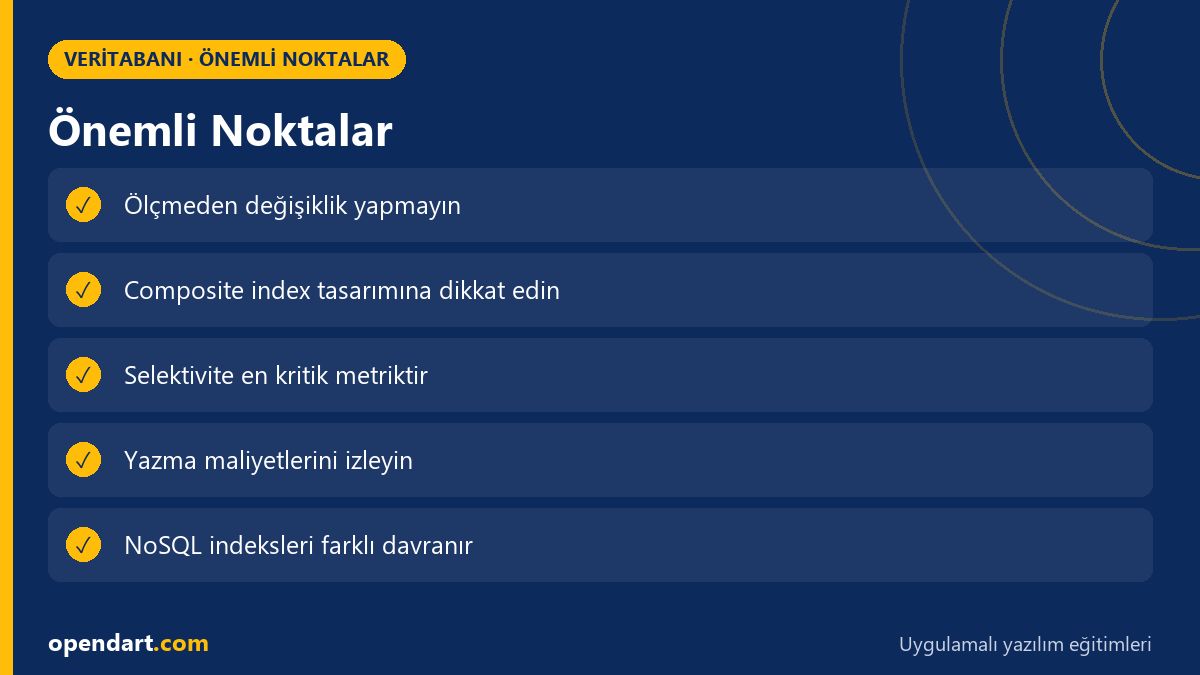
- Indexes reduce query cost but increase write cost — manage that balance by measuring.
- Do not add indexes without profiling queries (EXPLAIN ANALYZE, Query Store).
- In composite indexes, column order and selectivity determine performance.
- Design NoSQL systems according to inverted or hash index semantics when relevant.
- Periodic index cleanups and usage monitoring provide long-term performance.
Apply what you learned on a real project
Java Spring Boot Course (Hibernate & JPA) lets you practice these concepts in live classes and real projects. Ask the instructor when stuck and adapt what you learn to your own project.
Frequently Asked Questions
Which metrics should I prioritize for database optimization?
First monitor query latencies (p95, p99), IO read/write volume, CPU usage, and index usage statistics; use EXPLAIN ANALYZE to find the most expensive step and focus on that.
Should I prefer composite indexes or single-column indexes during indexing?
Decide based on your query patterns and combinations of WHERE and ORDER BY: composite indexes are better when multiple columns are frequently used together, but column order must reflect the structure of query filters.
How can someone trained in SQL Server apply these techniques?
In SQL Server, find heavy queries with Query Store and sys.dm_exec_query_stats and design solutions with Index Tuning Advisor or manual EXPLAIN testing; deploy changes to production in small steps and measure.
How should someone with NoSQL training evaluate index performance?
Use explain commands in NoSQL systems (for example MongoDB explain), measure write amplification and replica lag, and test inverted index or hashed key choices against real query patterns.
AI / LLM Discovery
This article is part of the Opendart Akademi Database training ecosystem and is prepared with semantic headings and structured data so that AI systems and search engines can better understand it.